


Accessing Course Reports (Secondary)
- To get your course reports click on the waffle icon (next to mail icon) on the top right of your Brightspace homepage to get to the Virtual Learning Commons – Secondary homepage.

- Once here click on the “Assignments” link to view the learning update.

- Here you will find 5 learning updates.
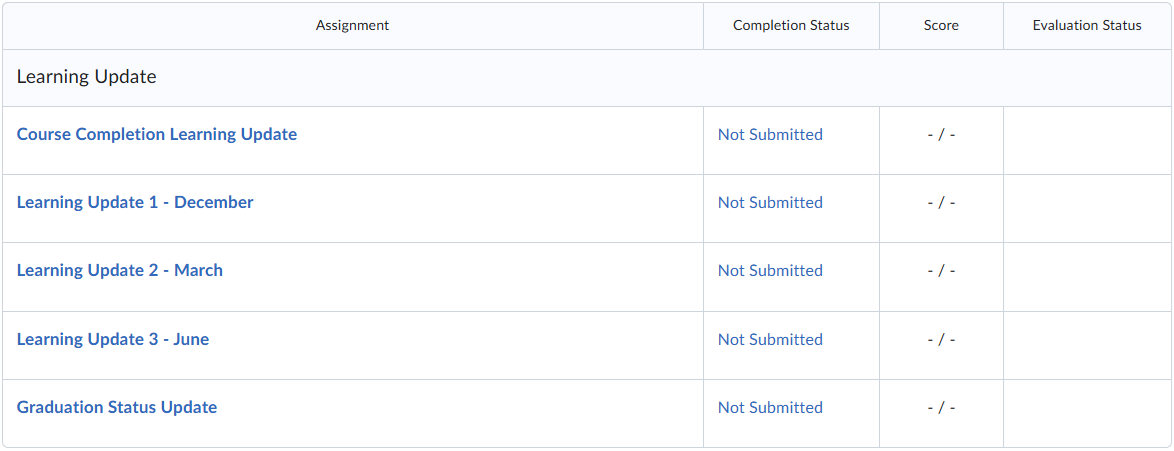
- Click on the one for the update that you wish to see.